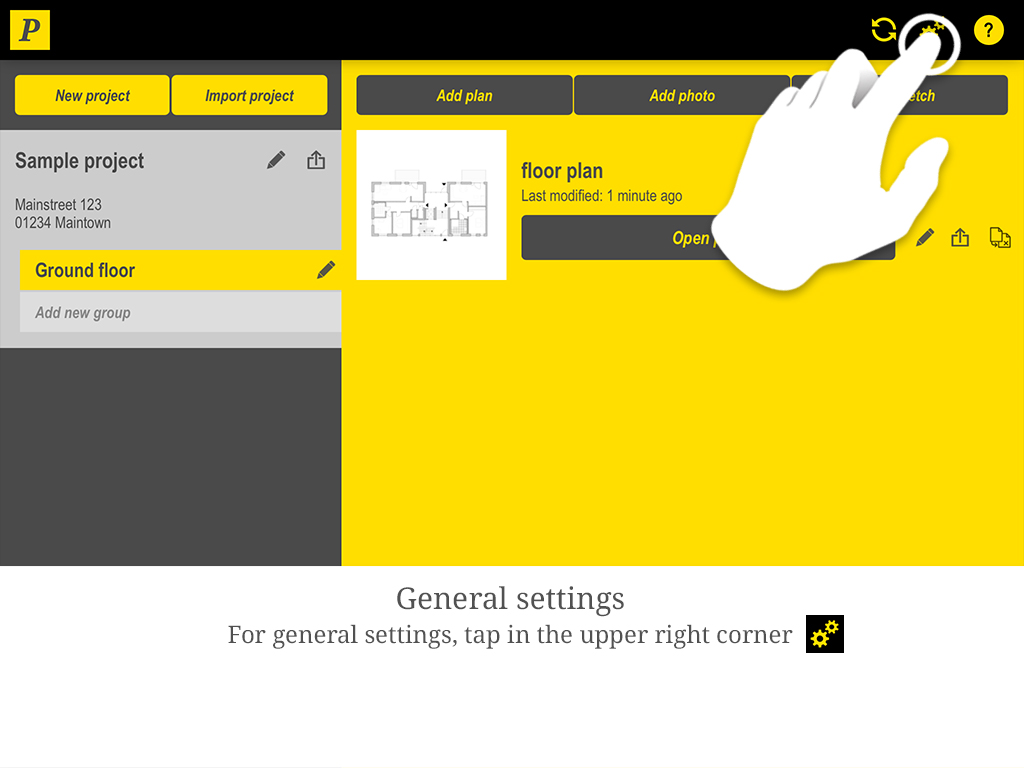
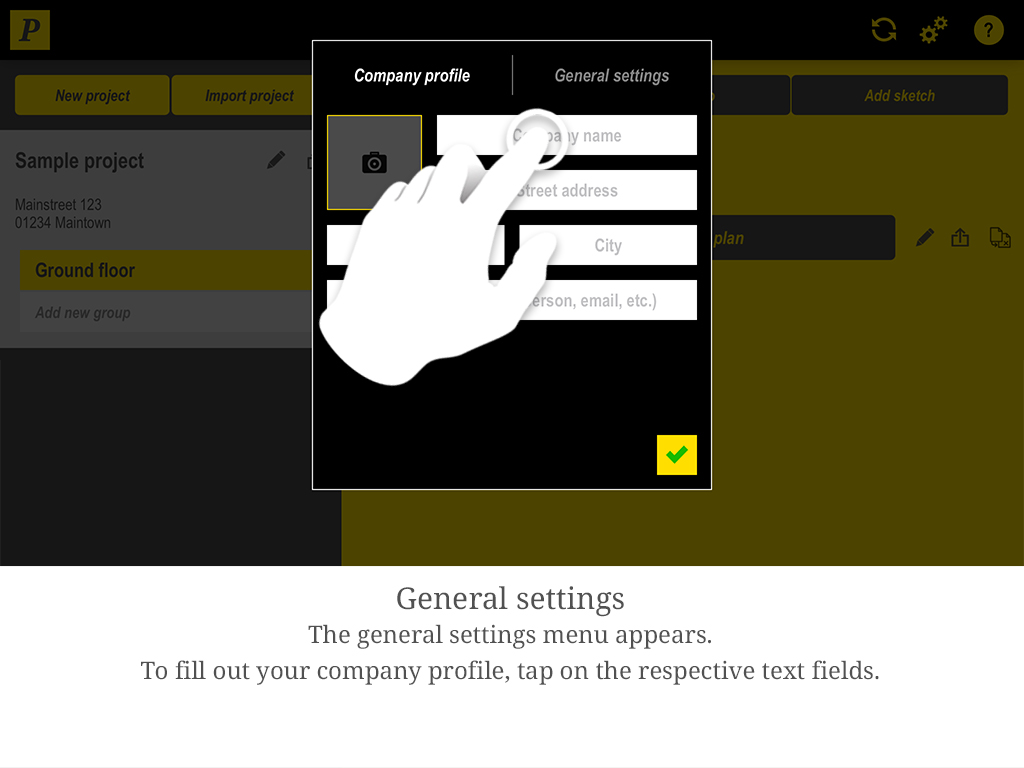
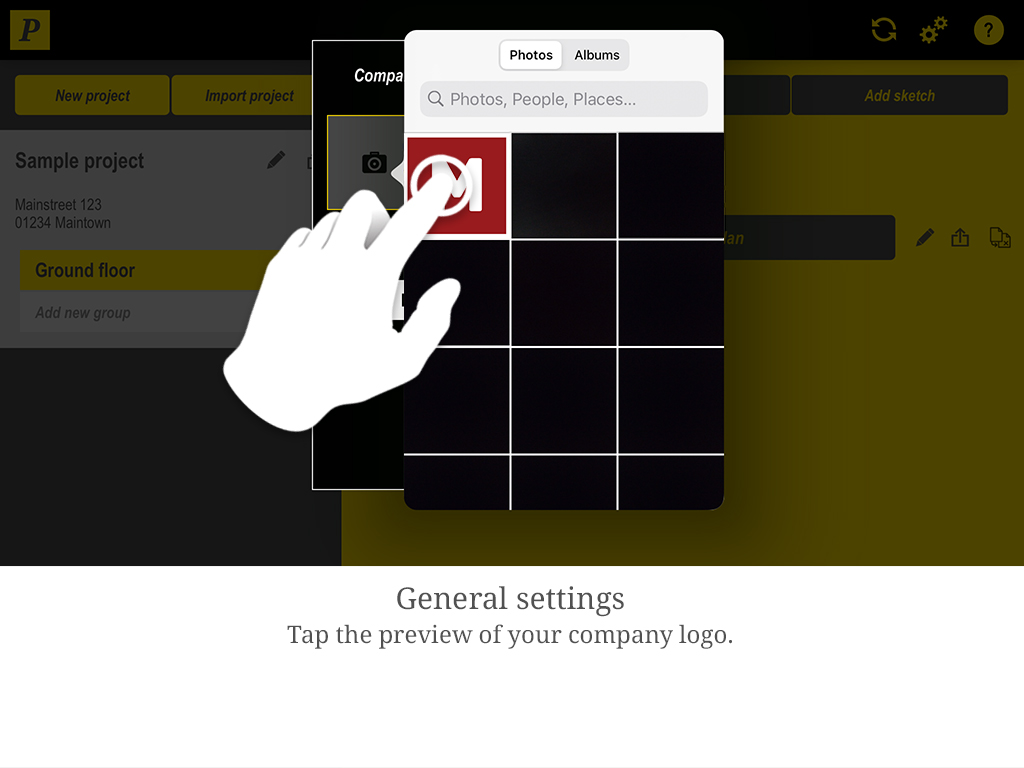
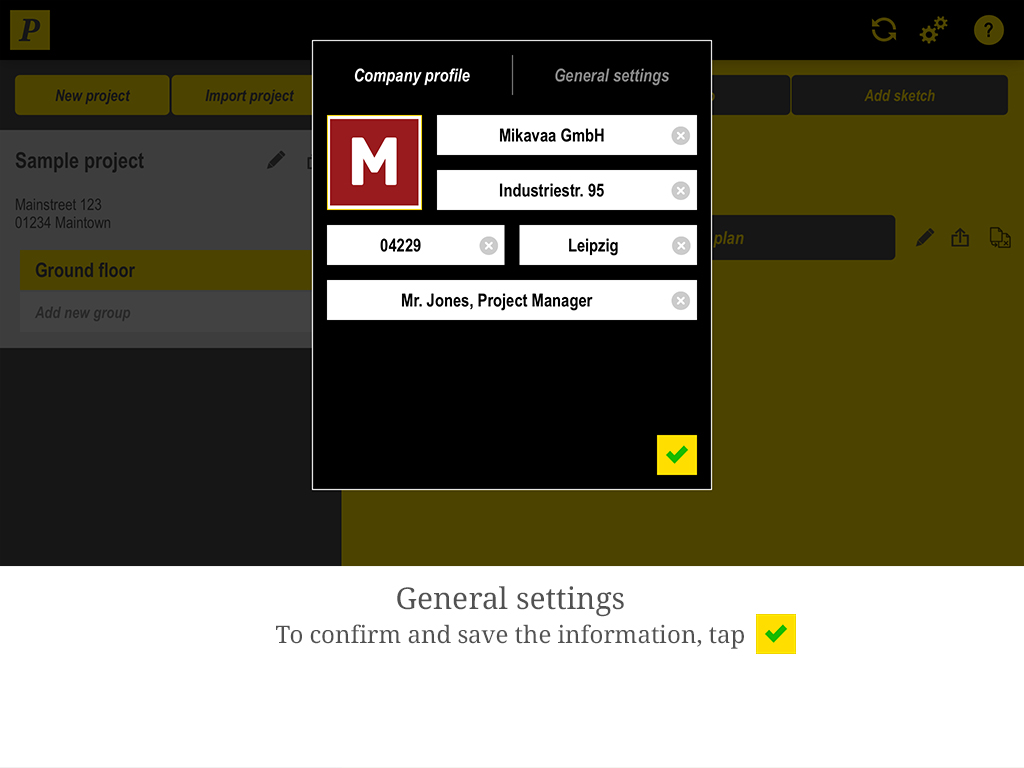
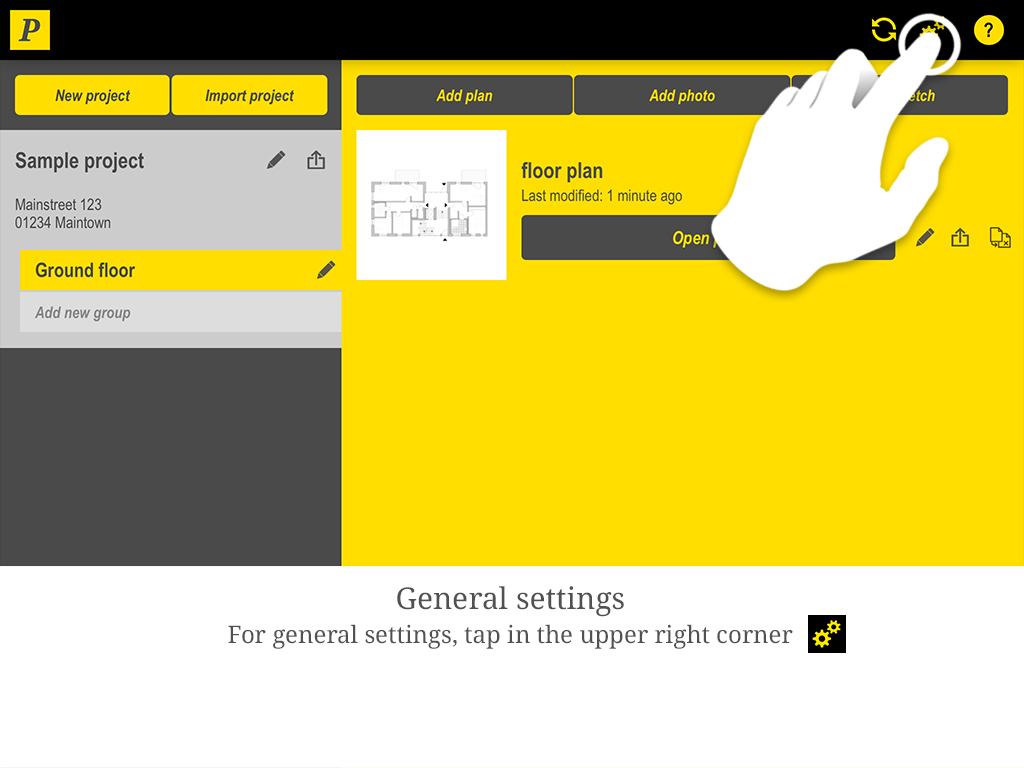
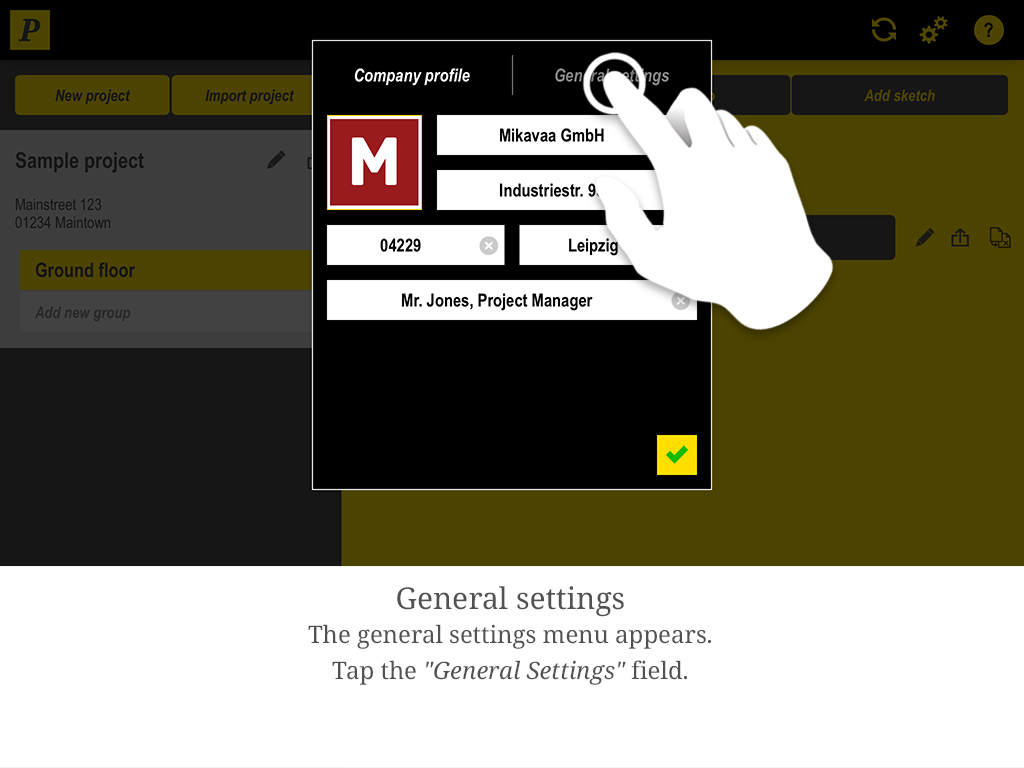
Open the general settings via the gear icon in the top right corner of the project overview. The menu has two parts: your company profile and the general settings.
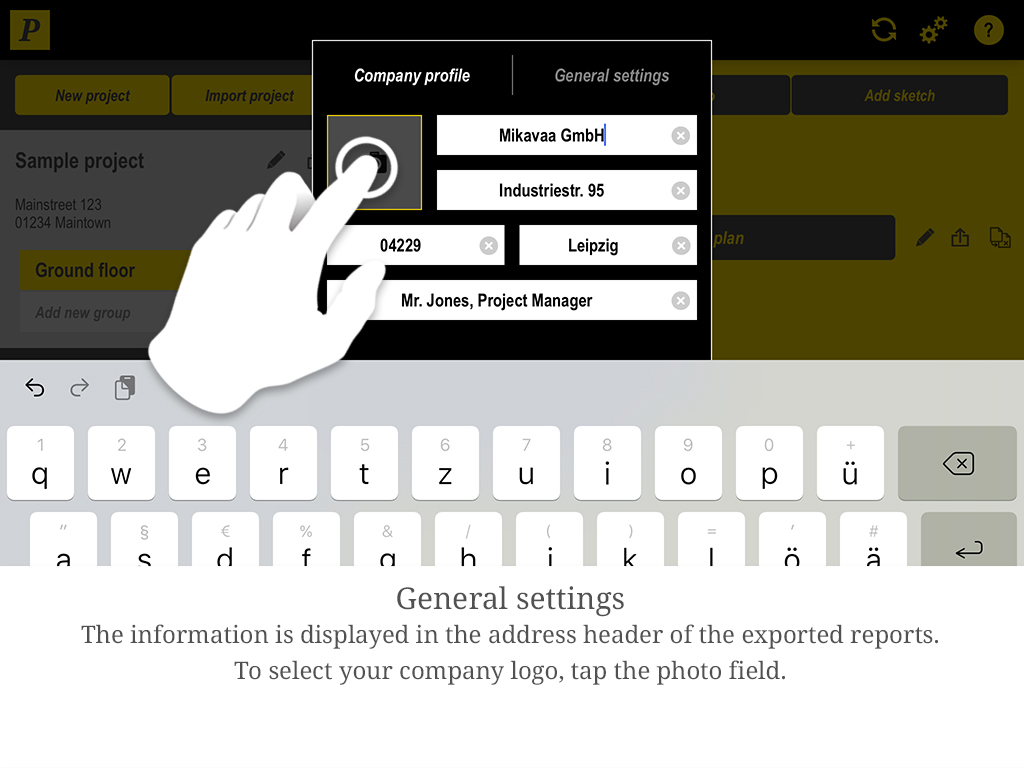
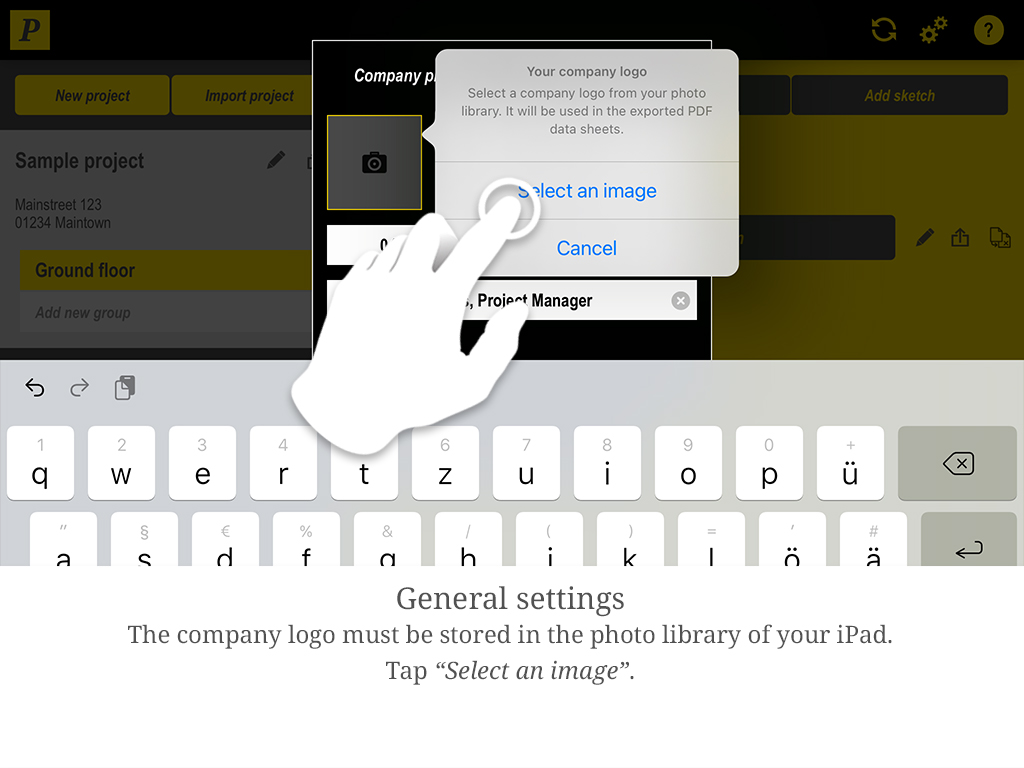
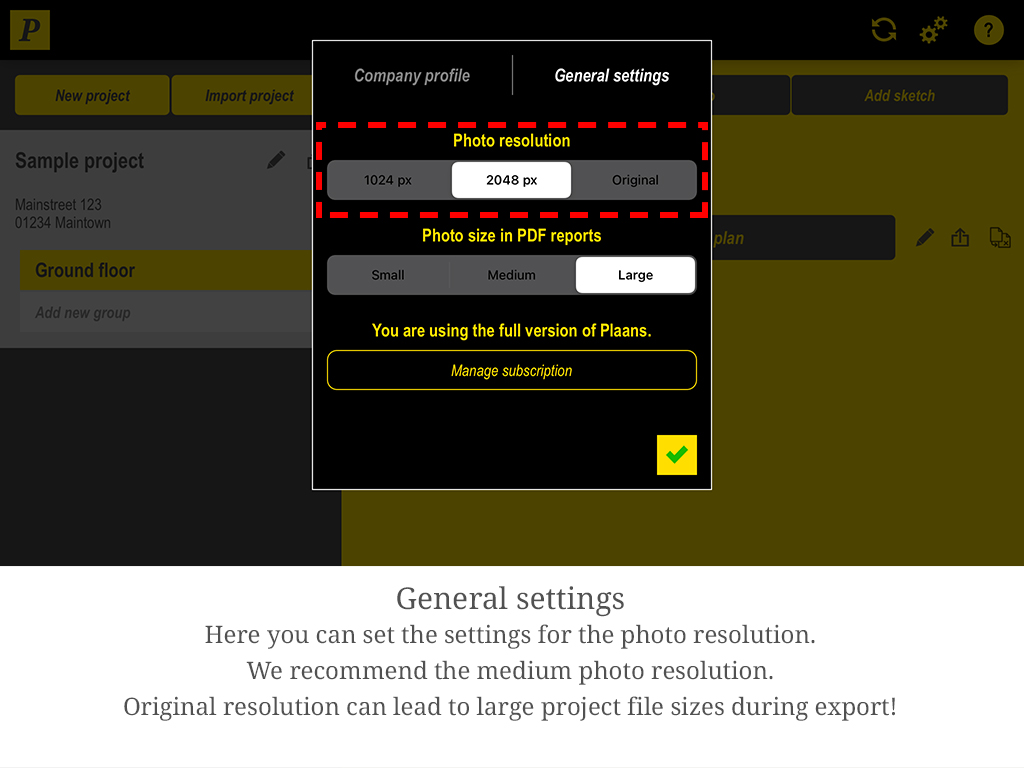
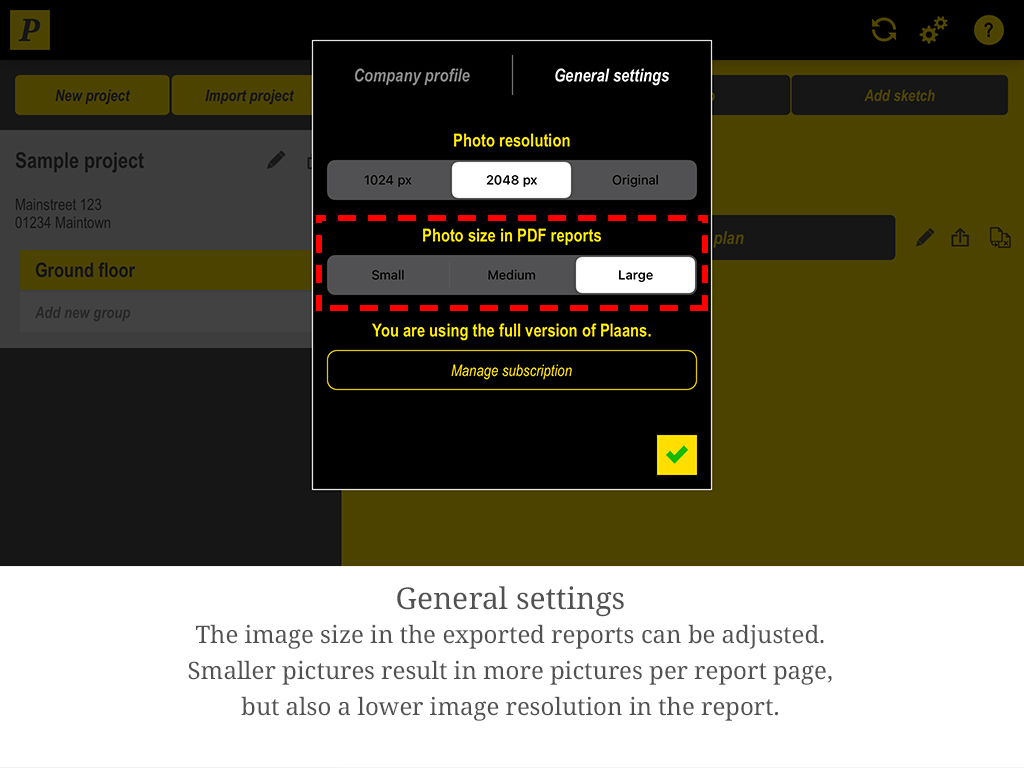
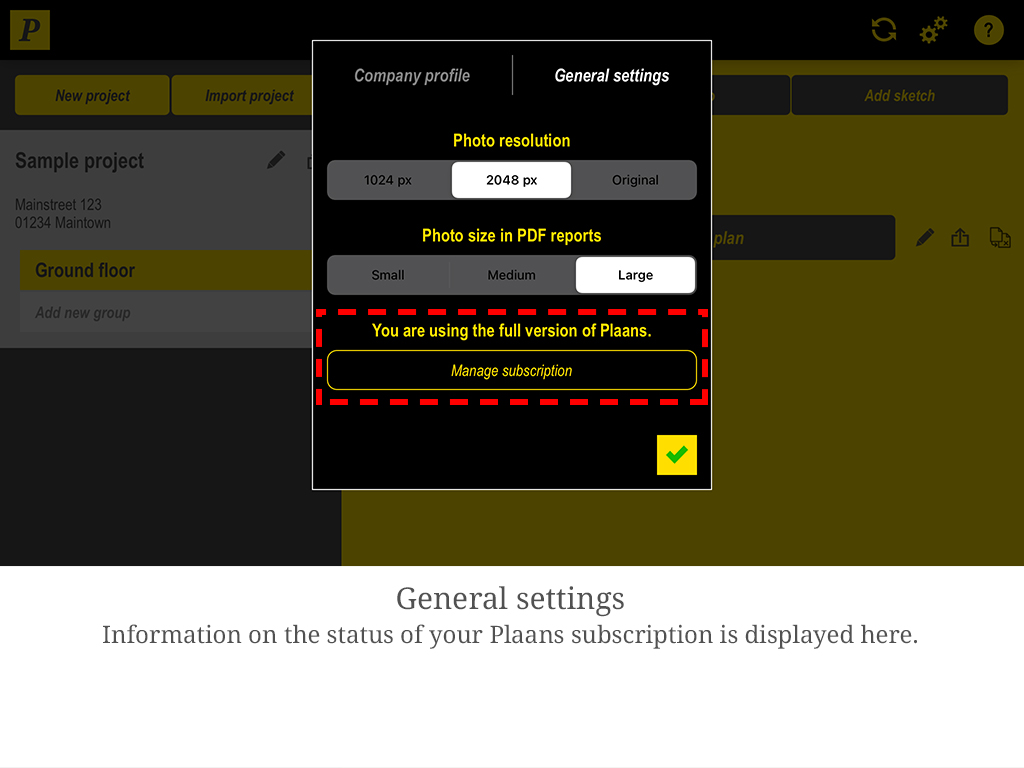
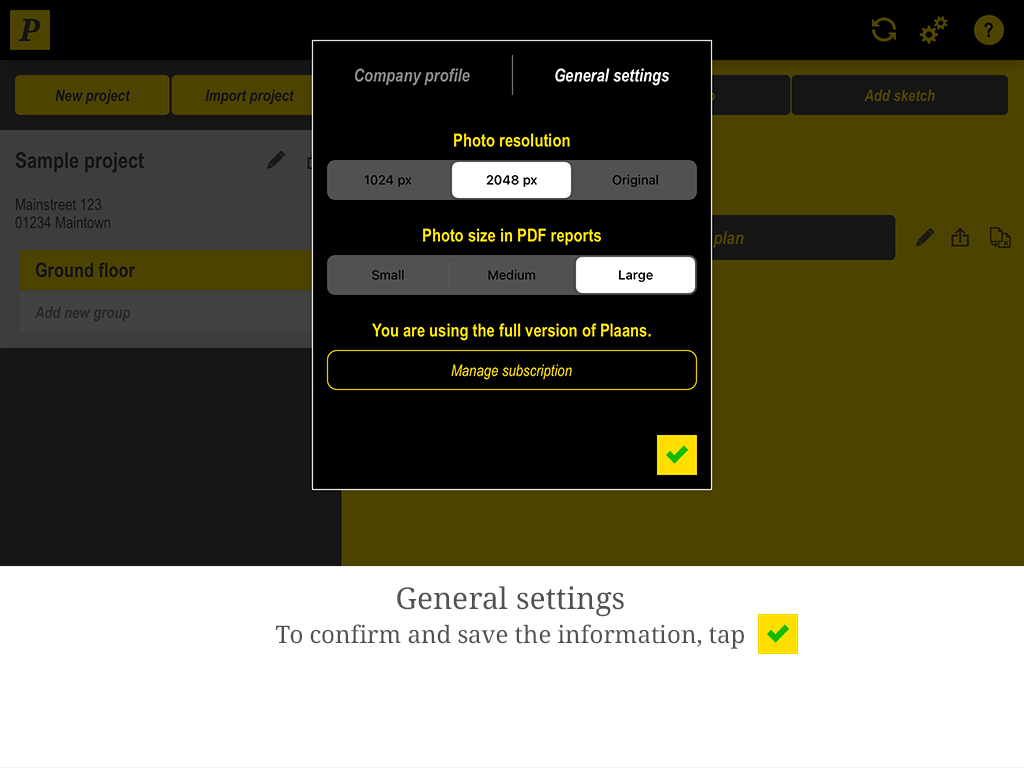
In the company profile you enter your company details and logo, which appear in the address header of every exported report. Under general settings you choose the photo resolution and the image size in PDF reports, and see the status of your subscription. The medium photo resolution is recommended – “original” can lead to very large project files when exporting.