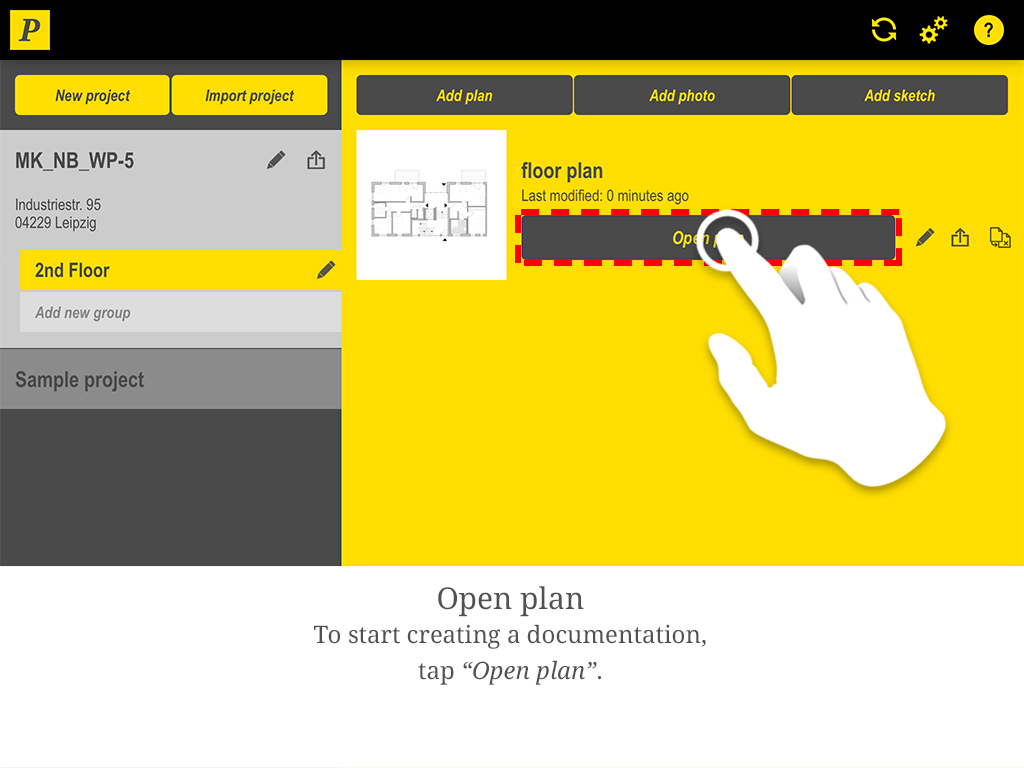
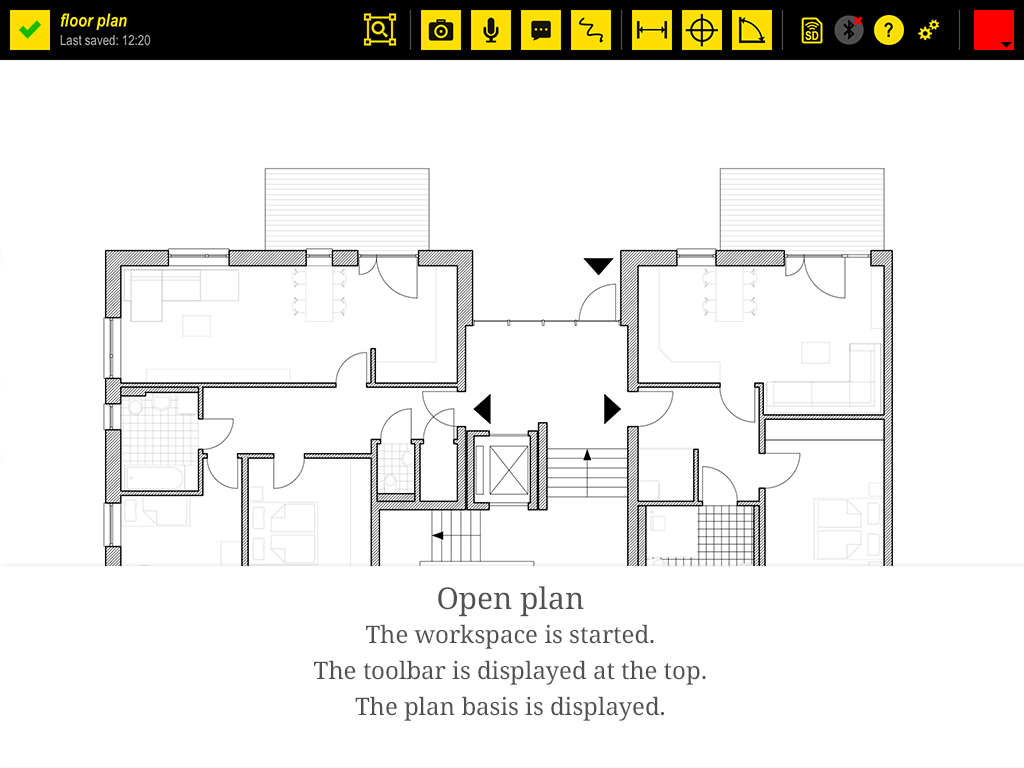
In the project overview, tap “Open plan” to open the plan in the editor. The workspace starts, the toolbar appears at the top and the plan is displayed.
The toolbar holds every tool for capturing data – camera, voice memo, text note, sketch, and length, height and angle measurements. The green check mark in the top left saves the plan and takes you back to the project overview.